










Music is a powerful thing, with the ability to take our minds and bodies to exciting new places. The right song can energize and motivate us, bring a tear to our eyes, or make the difference between a mundane atmosphere and one that’s vibrant and full of life.
But what if you could take the power of music one step further to create an even more impactful and immersive experience in your space?
Nanoleaf Music Sync Partners with Samsung SmartThings

The new Nanoleaf and Samsung SmartThings integration lets your lights dance along with you to the beat of your music for an experience that goes way beyond just your ears.
That’s because lighting in 2026 shouldn’t just illuminate a room, it should elevate every moment within it. This integration turns your favorite songs into immersive multi-sensory light shows that transform your home into a stage, and your everyday routines into something a little more extraordinary.
Bold claim? Hear us out.
With this new feature, you can activate Music Sync directly through Samsung SmartThings and connect it to your favorite music platforms like Spotify, YouTube Music, Apple Music, SoundCloud, or any other local music players on your device. Many Nanoleaf lights can already react to sound, but now, with this integration, they sync directly to your playlist for a more streamlined, uninterrupted experience.
The result?
A seamless way to create immersive synchronized lighting effects that move with your music.
Whether you're hosting friends for a listening party or just winding down with your perfectly curated playlist, your Nanoleaf lights can now react to songs in real-time—without lag, external microphones, or the need to switch between apps.
Why Music Sync is Better with Samsung SmartThings

Create the Perfect Atmosphere
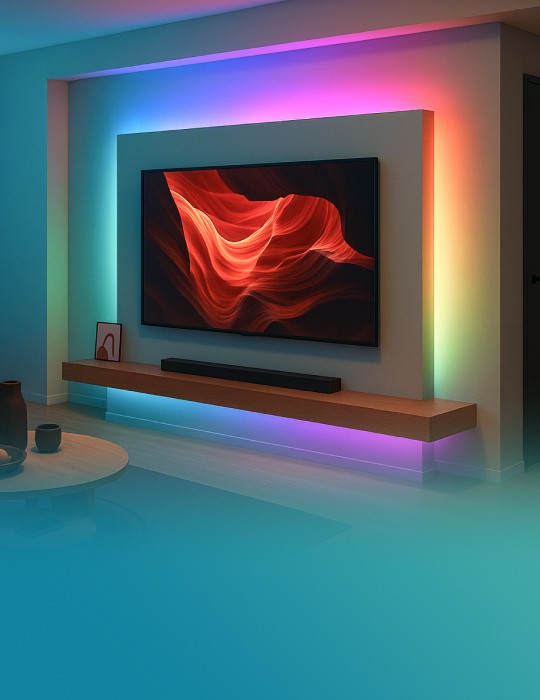
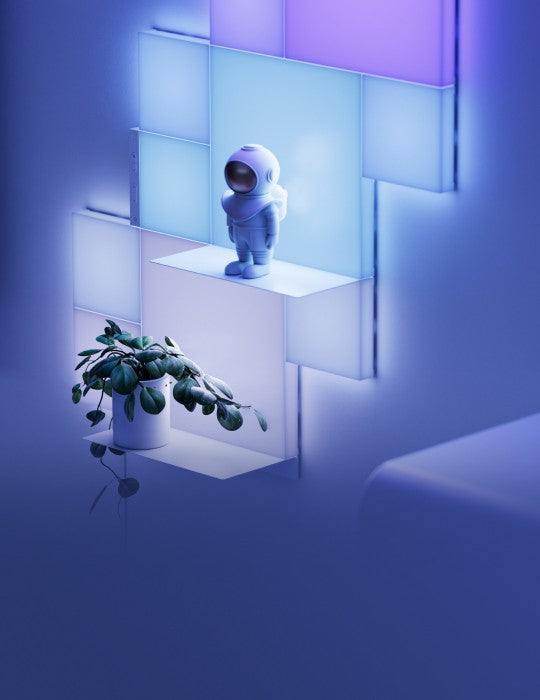
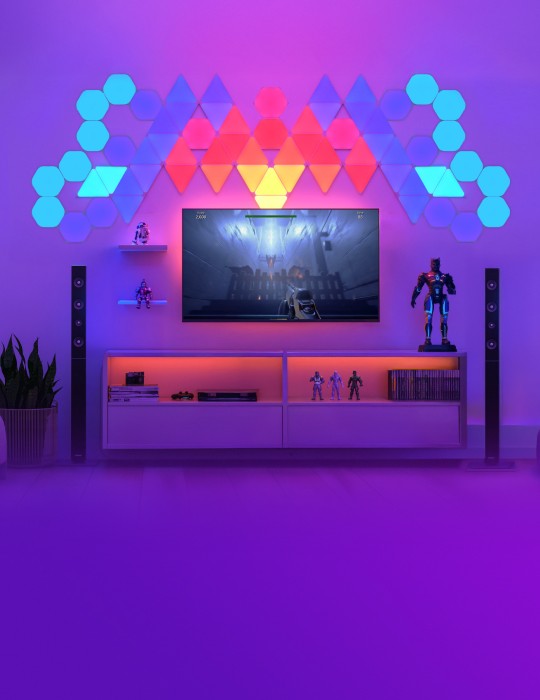
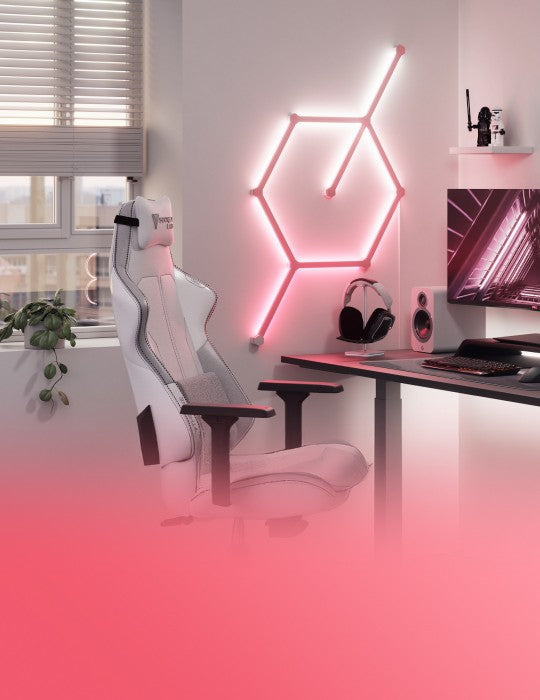
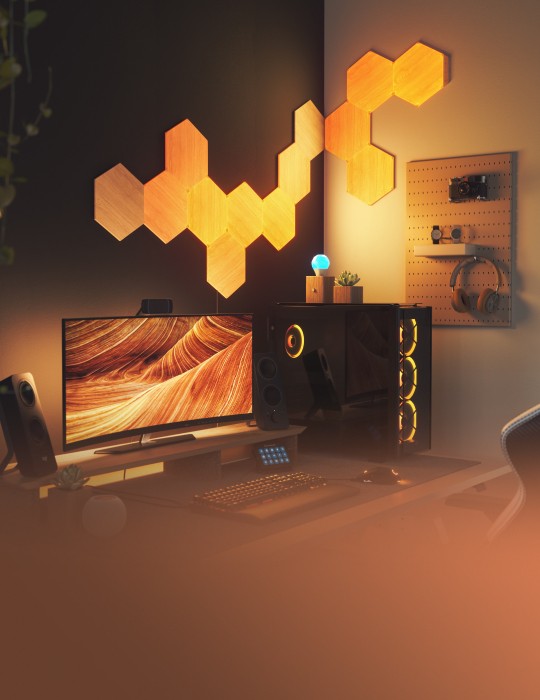
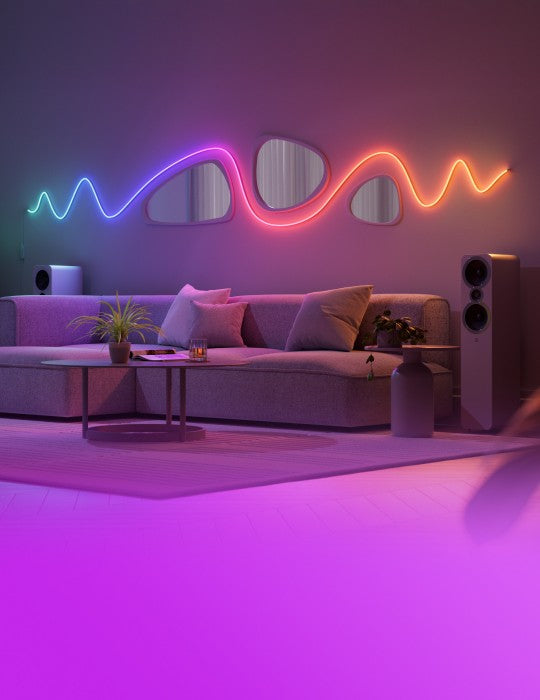
Lighting that moves with the music instantly changes the energy of any room. From energetic pops of color to laid-back, flowing gradients, Music Sync lets your Nanoleaf lights react to every beat, pulse, and rhythm of your playlist—turning any space into a dynamic light show.
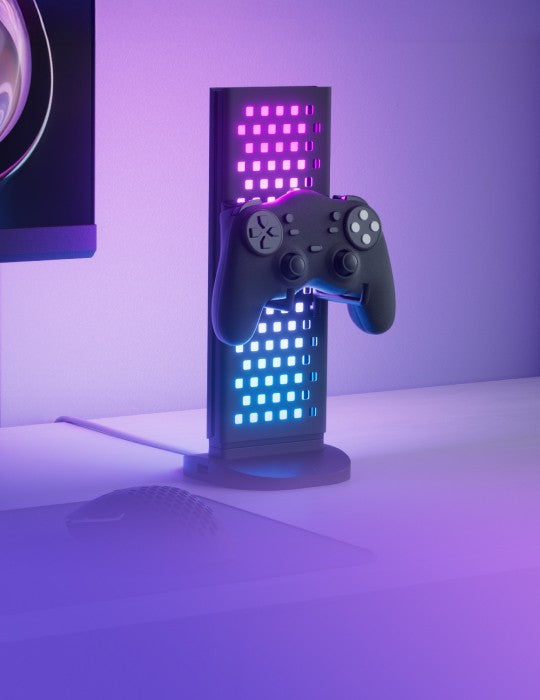
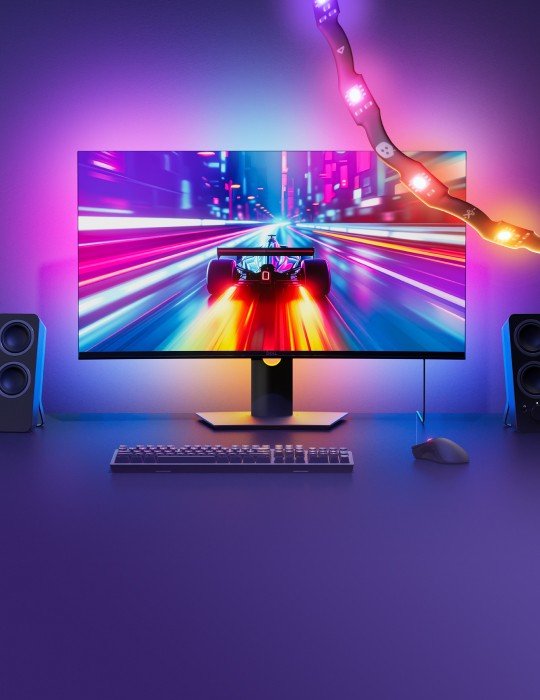
Colors shift with the tempo, lights pulse with the bass, and every track creates its own atmosphere. Plus, with this direct audio integration, your lights will never miss a beat. No matter the occasion—parties, gaming sessions, or relaxed hangouts—your Nanoleaf lights will bring the room to life and become a part of the entertainment.
Elevate Everyday Moments
While Music Sync is the perfect companion for a party, that’s far from its only time to shine. With this integration, you can now make every moment feel like a celebration by experiencing your music in a whole new light.
Imagine:
- Relaxed ambient lighting during your evening wind down
- Energetic lighting for workouts
- Just bopping to your latest favorites while cooking dinner
Now stop imagining. With the new Music Sync integration, your lighting can automatically create an atmosphere that matches any mood—and any music.
The Most Seamless Smart Home Experience
Instead of juggling different apps, you can now enable Music Sync directly within Samsung SmartThings and control your lighting alongside the rest of your smart home.
Your lights become part of the same ecosystem as your TV, speakers, vacuum, washer, dryer, and other connected devices—making everything easier to manage in one place.
This also makes it easier to use your go-to playlist to bump up the mood for laundry-folding, or to drown out the vacuum while it’s doing its thing. With everything connected in Samsung SmartThings, your lighting can help set the mood while you manage the rest of your home from a single app.
What You Need to Get Started

To use Music Sync with the Samsung SmartThings app, you’ll need:
- A compatible Nanoleaf lighting device
- An available hub
- The Samsung SmartThings app
- A music source such as Spotify or YouTube Music
- And, of course, impeccable music taste
Nanoleaf Devices That Work with Samsung SmartThings Music Sync

Most Nanoleaf smart lighting products work with the Samsung SmartThings app, and select devices unlock the Music Sync integration for an immersive, concert-like lighting experience at home. Let’s just say karaoke will never be the same again.
Compatible Nanoleaf devices include:
- Canvas
- Shapes
- Blocks
- Elements
- Lines
- Skylight
- Rhythm Light Panels
- Nanoleaf 4D V1 and Nanoleaf 4D V2
- EXPO LED Display Case
How to Set Up Nanoleaf Music Sync with Samsung SmartThings

Getting started only takes a few minutes. If you’re already using the SmartThings app, you can skip straight to Step 2.
Step 1: Ensure You Have an Available Hub.
To learn more about if your Samsung device includes a hub, check here.
Step 1: Install and Open the Samsung SmartThings App
Download and open the Samsung SmartThings app on your smartphone or tablet, if you haven’t already.
- Download on Google Play
- Download on App Store
Step 1: Connect Your Nanoleaf Device
Tap the “+” icon and select “Add device” in Samsung SmartThings app and follow the prompts to add your Nanoleaf lights. Make sure your lights are powered on and connected to the same network as your device.
Step 3: Link Your Music Source
Connect your favorite music platform—such as Spotify, YouTube Music, Apple Music, or other supported apps—within the Samsung SmartThings app.
Step 4: Start Playing Music
Play your favorite playlist and watch your Nanoleaf lights pulse, shift colors, and move with the beat in real time.
Bring Your Music to Life

With Music Sync now available in SmartThings, your lighting can go beyond simple illumination.
By combining the creativity of Nanoleaf lighting with the power of SmartThings automation, your home becomes more dynamic, immersive, and connected than ever.
Turn on your favorite playlist, enable Music Sync, and watch your music come to life through light.
What Else Can You Do with Nanoleaf + SmartThings?

Once your lights are connected, the possibilities go far beyond music.
Here are just a few automation ideas you can try:
|
Scenario |
Automation |
|
Movie Night |
Lights dim when the TV turns on |
|
Gaming |
Lights change color when the console starts |
|
Morning Routine |
Lights gradually brighten |
|
Arriving Home |
Lights turn on automatically |
|
Weather Updates |
Lights shift to cooler tones when it rains and warmer tones when it's sunny |
|
Doorbell Alert |
Lights flash or change color when the doorbell rings |
|
Security Simulation |
Lights mimic normal routines while you're away |
With Nanoleaf and SmartThings, lighting becomes more than decoration—it becomes part of how your home responds to you.


Share:
4 Self-Care Rituals for Valentine's Day That Start With You
Nanoleaf’s Top 4 AI Features